App Name & Icon
Change your app name
Android
Open the file ./source/android/app/src/main/res/values/strings.xml and replace 'Realtor' with your app's name.
      <resources>

         <string name="app_name">Realtor</string>

      </resources>
IOS
Open the file ./ios/WDIRealtor/Info.plist and replace 'WDIRealtor' with your app's name.
      <key>CFBundleDisplayName</key>

      <string>Realtor</string>
Change the app Bundle ID
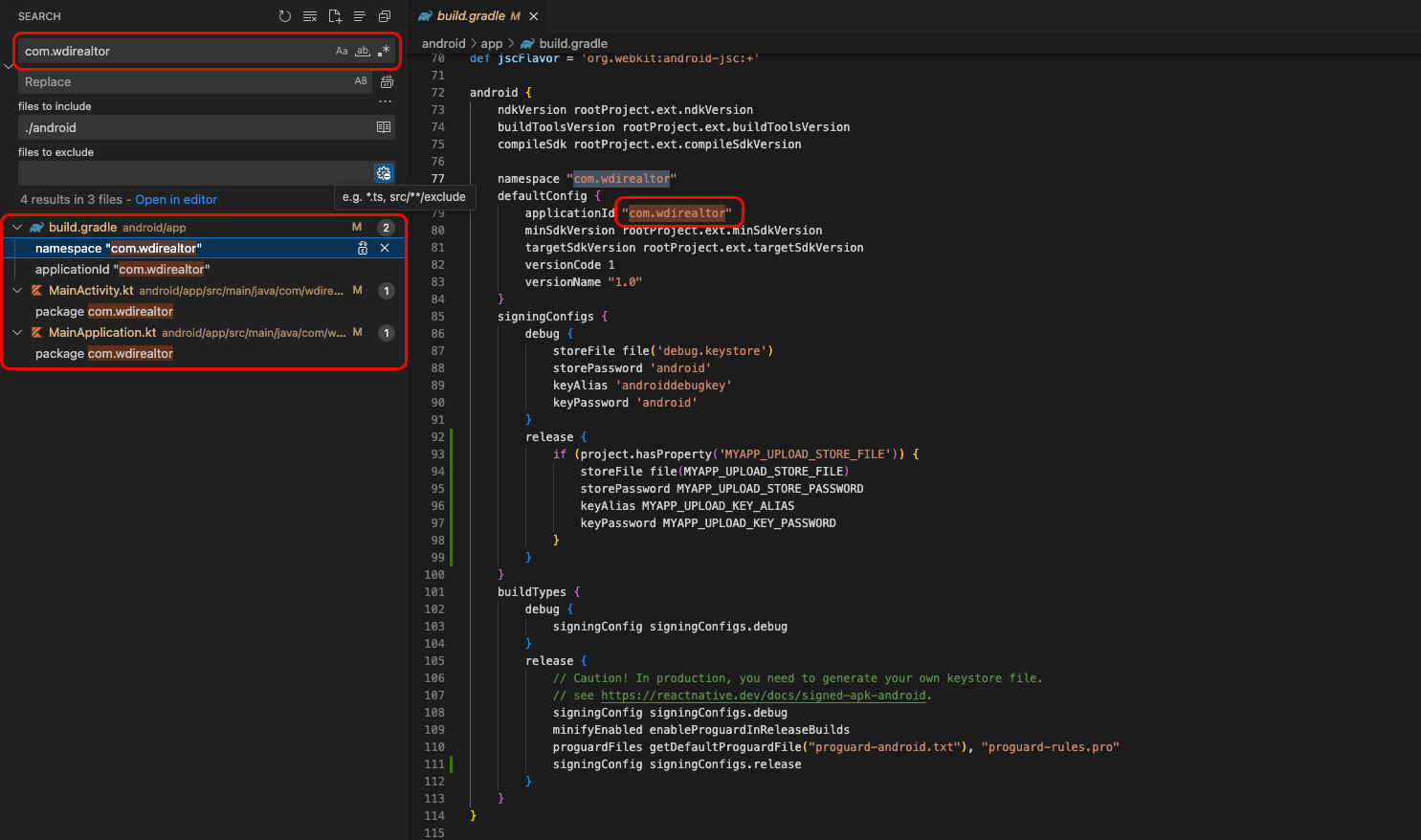
Android
Searching “com.wdirealtor” in folder ./android/.. then modify it
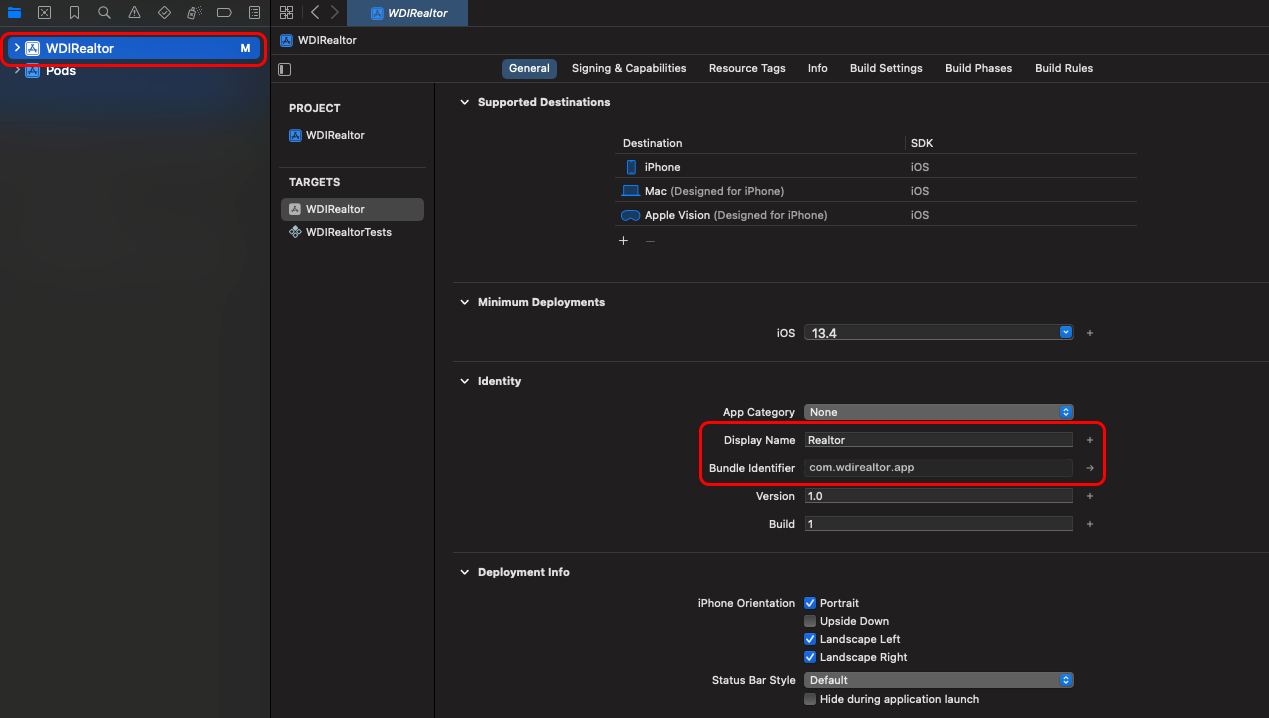
IOS
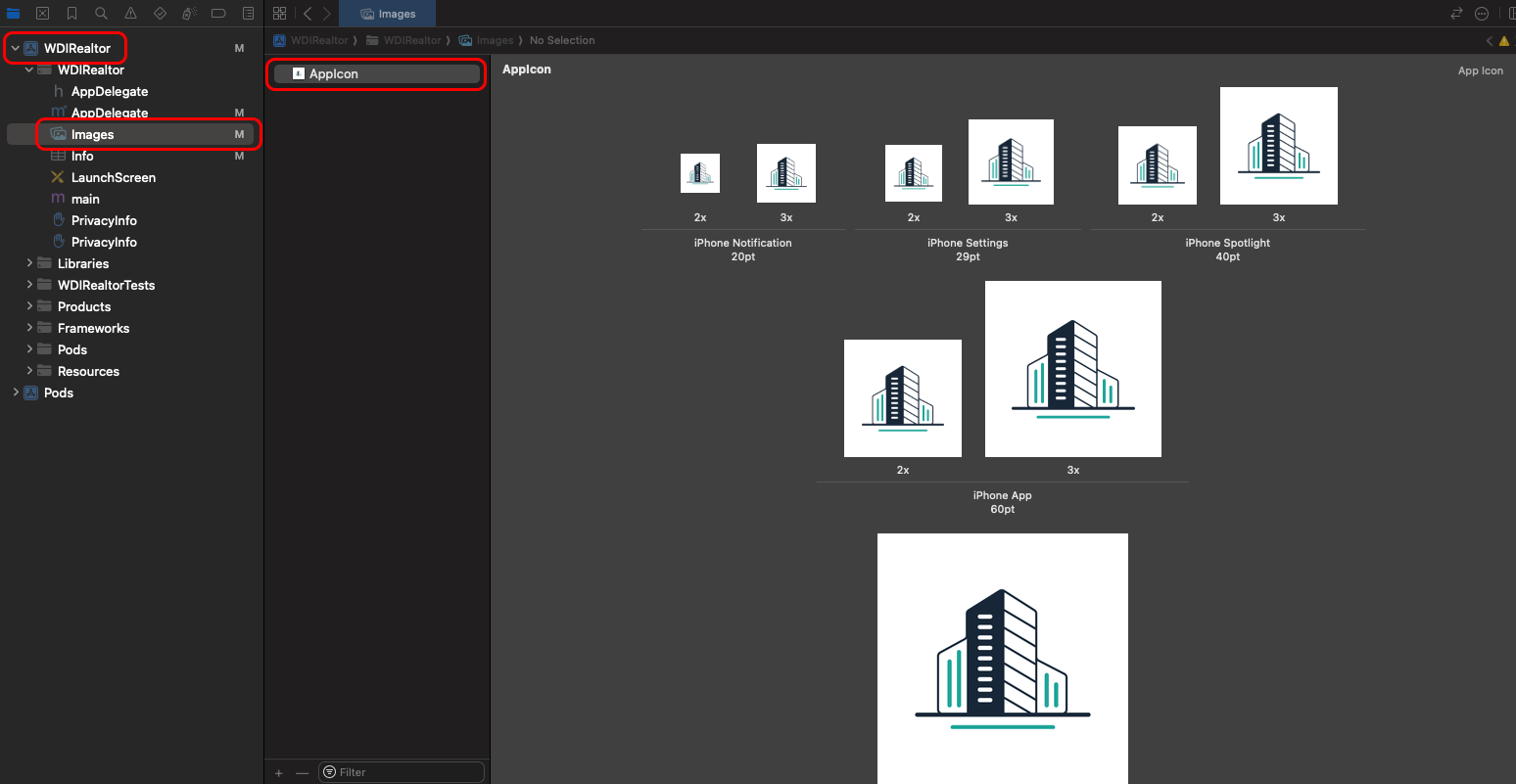
Using Xcode and open ios project then modify it
Change the app Icon
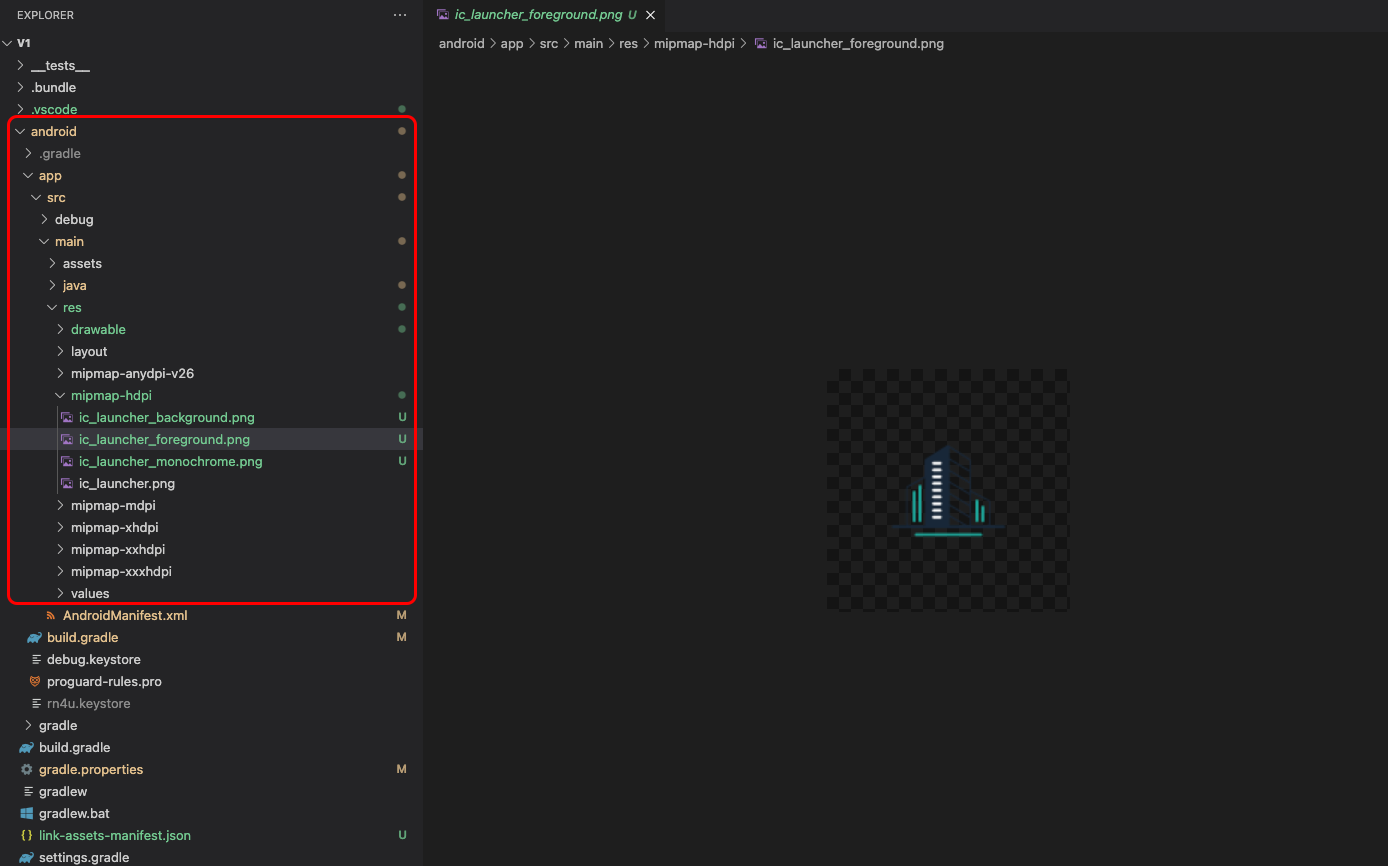
Create Launcher Icons for Android & iOS using https://icon.kitchen/.
Android
IOS
Using Xcode and open ios project then modify it
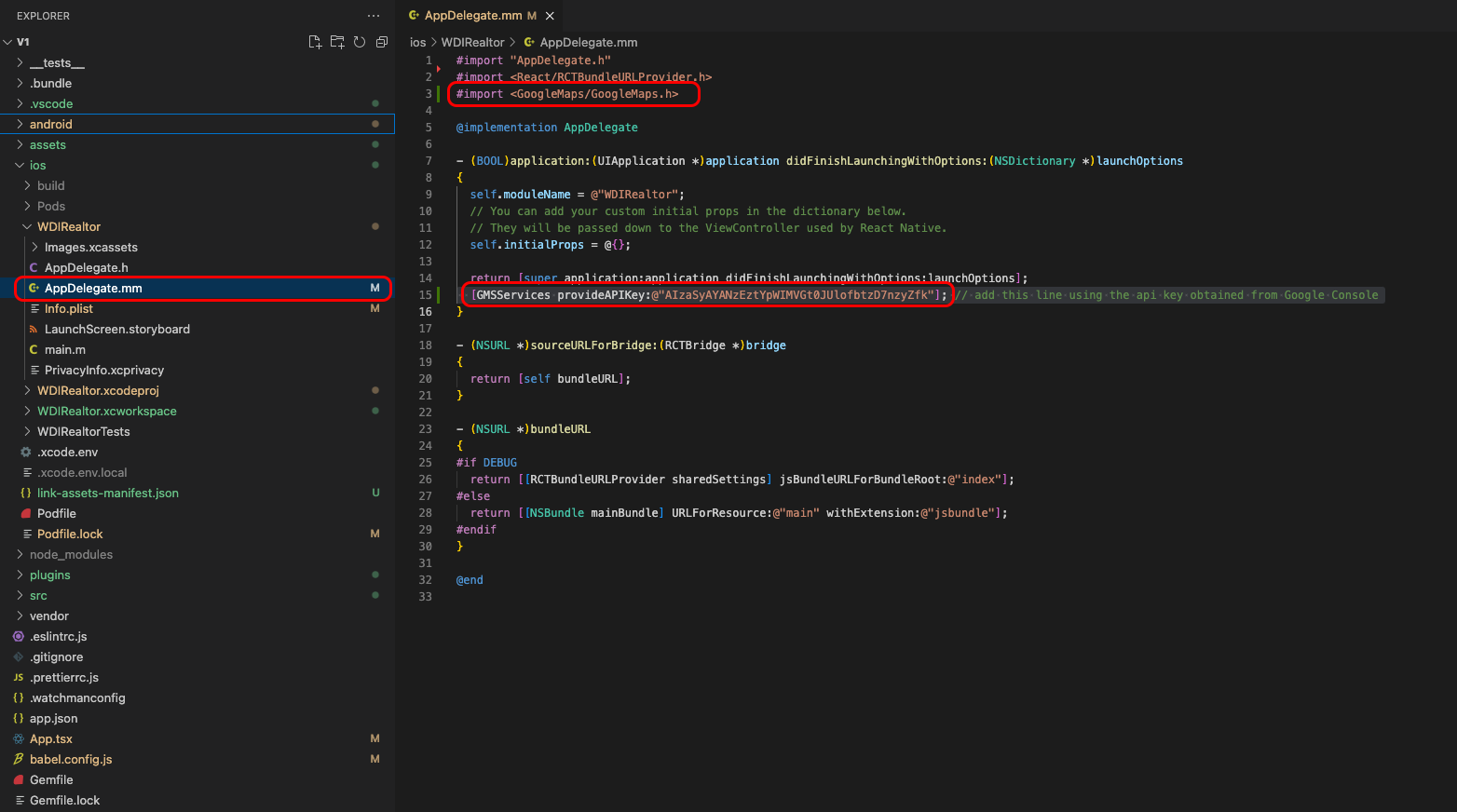
Change GoogleMap Key
Register with Google Maps Console to obtain an API key. https://developers.google.com/maps/documentation/embed/get-api-key
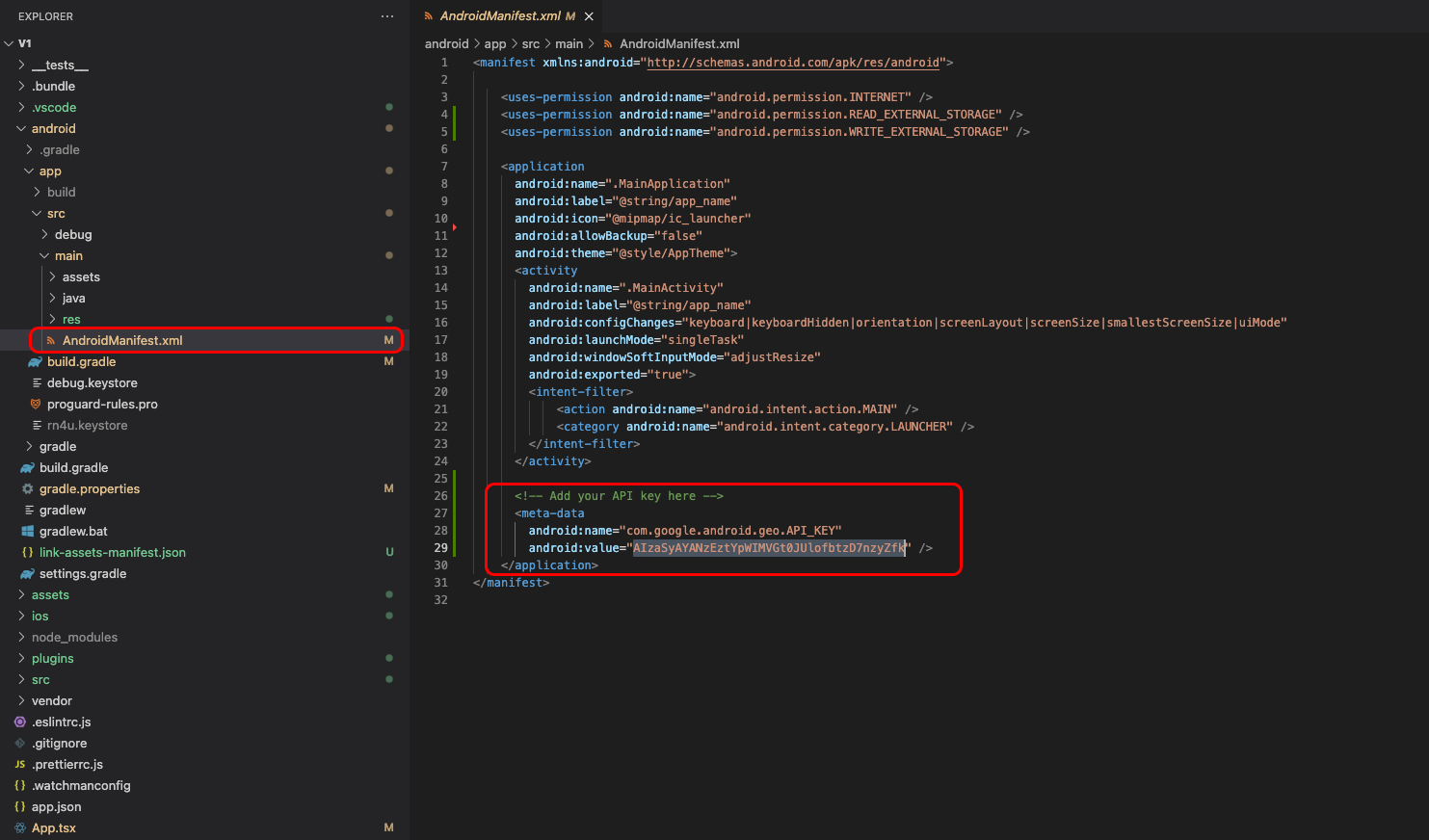
Search in project exist GoogleMap key "AIzaSyAYANzEztYpWIMVGt0JUlofbtzD7nzyZfk"
Android
Add your API key to your manifest file ./source/android/app/src/main/AndroidManifest.xml
      <application>

         <meta-data

          android:name="com.google.android.geo.API_KEY"

          android:value="Your Google maps API Key Here"/>


      </application>
IOS
If you want to enable Google Maps on iOS, obtain the Google API key and edit your ./source/ios/WDIRealtor/AppDelegate.m as follows:
      + #import

      @implementation AppDelegate

      ...

      (BOOL)application:(UIApplication *)application
      didFinishLaunchingWithOptions:(NSDictionary *)launchOptions

      {

      + [GMSServices provideAPIKey:@"_YOUR_API_KEY_"]; // add this line using
        the api key obtained from Google Console
      ...